Table of Contents
Setup super to install an update service
Installation
- Extract it.
- If the current user doesn't have admin rights: Open a Terminal and run
su - ADMINUSER. Replace the ADMINUSER. Hit enter and then enter that user's password. - In Terminal, type
sudo '' (including the space) and drag ''superfrom the extracted folder into the Terminal, then hit Enter to install it.
If the current user is not an admin: Open a terminal and - Install the service
sudo super --auth-service-add-via-admin-account='ADMIN-USERNAME' --auth-service-add-via-admin-password='ADMIN-PASSWORT'
Make sure to use the username and password of a “volume owner”. This is a user that would also be allowed to install the regular way – typically the first admin user that was created on the machine. - If it works, you should get an update prompt soon. You can do it now or choose to install it later.
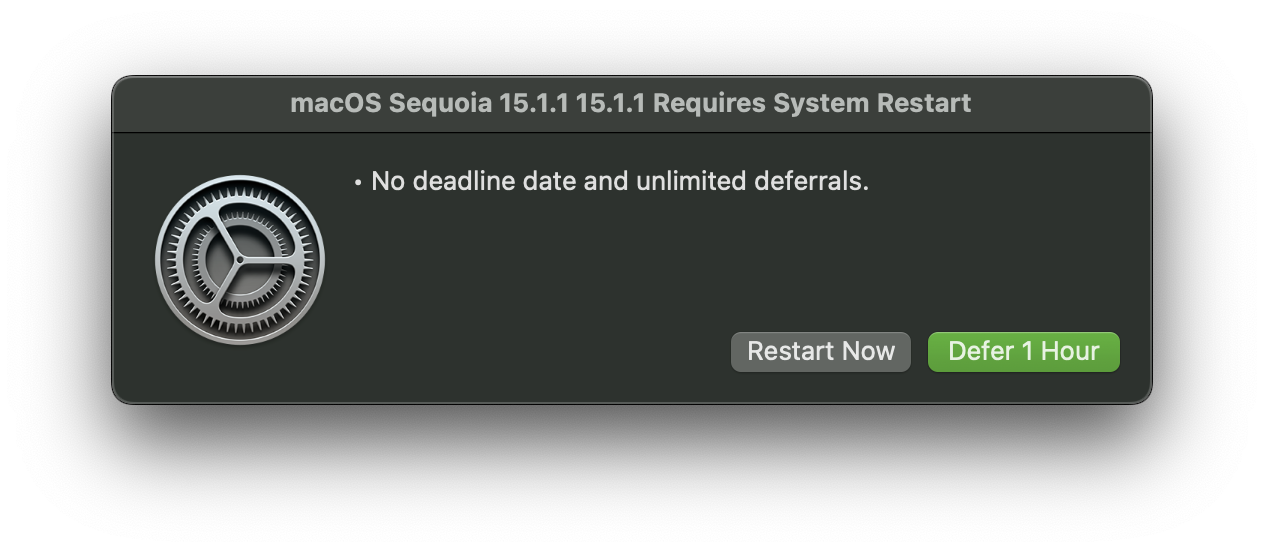

I understand that this installs a service that can install updates in the future. As of now, I'm not sure if that's how it works. We'll see. I'll update when the next update comes around.
Uninstallation
This script can be used to uninstall.
Link: https://github.com/Macjutsu/super/blob/main/Super-Friends/Remove-super.sh